

How AI Could Change What Patients Expect from Dental Websites

Source:
Dr. Marketing
AI could raise expectations for dental websites by making quick answers, conversational help, and guided tasks more familiar. Patients may increasingly want a website that helps them understand their options and take the next step with less effort. Picture someone opening your practice website at 9 p.m. They are finally sitting down after a busy day and want to arrange a first appointment. They have three questions: Are you accepting new patients? Can they visit after work? How do they request an appointment?
A welcoming photograph makes a good first impression. Clear answers help them move forward.
For dental practices in Canada and the USA, the future of website design will involve deciding which features make that experience better. AI may support some of them, while others depend on clearer content and thoughtful design.
The useful starting point is the patient’s task.
From Browsing Pages to Getting Answers
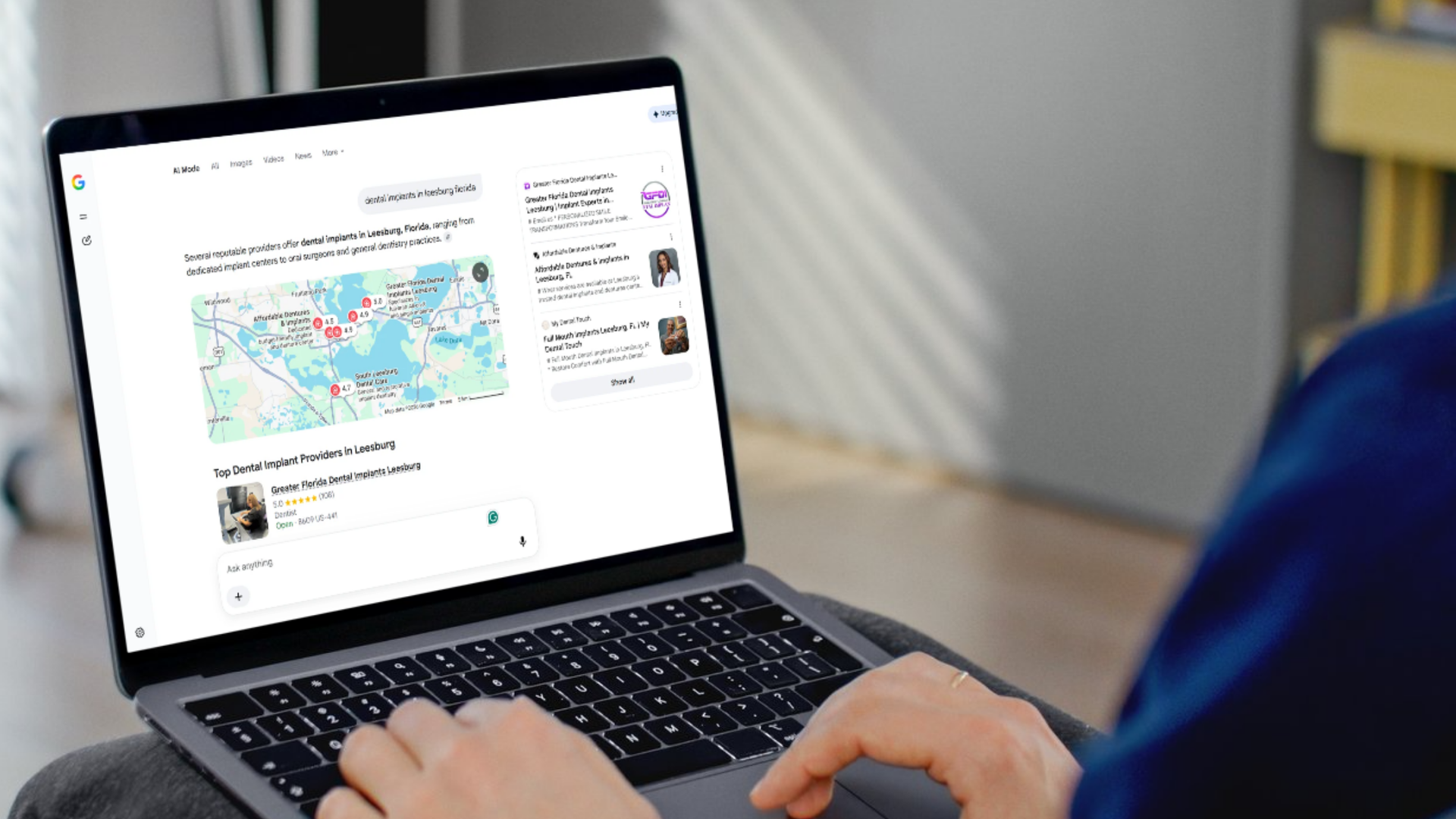
Conversational search gives people another way to find information. Google’s AI Mode, for example, allows users to explore questions through generated responses and follow-up searches.
That experience could influence what some visitors expect when they reach a dental website. They may want to ask a question directly or find an answer without reading several pages.
Consider asking whether a particular service is available at your office. A clear service page should answer that question quickly and explain how to enquire. A useful website search or an automated assistant could provide another route. However, essential information should remain easy to find through ordinary navigation.
Start with the questions your team hears most often. If patients regularly call to ask about parking, appointment requests, or first visits, check whether your website makes those answers obvious.
Make the Homepage Help Patients Choose
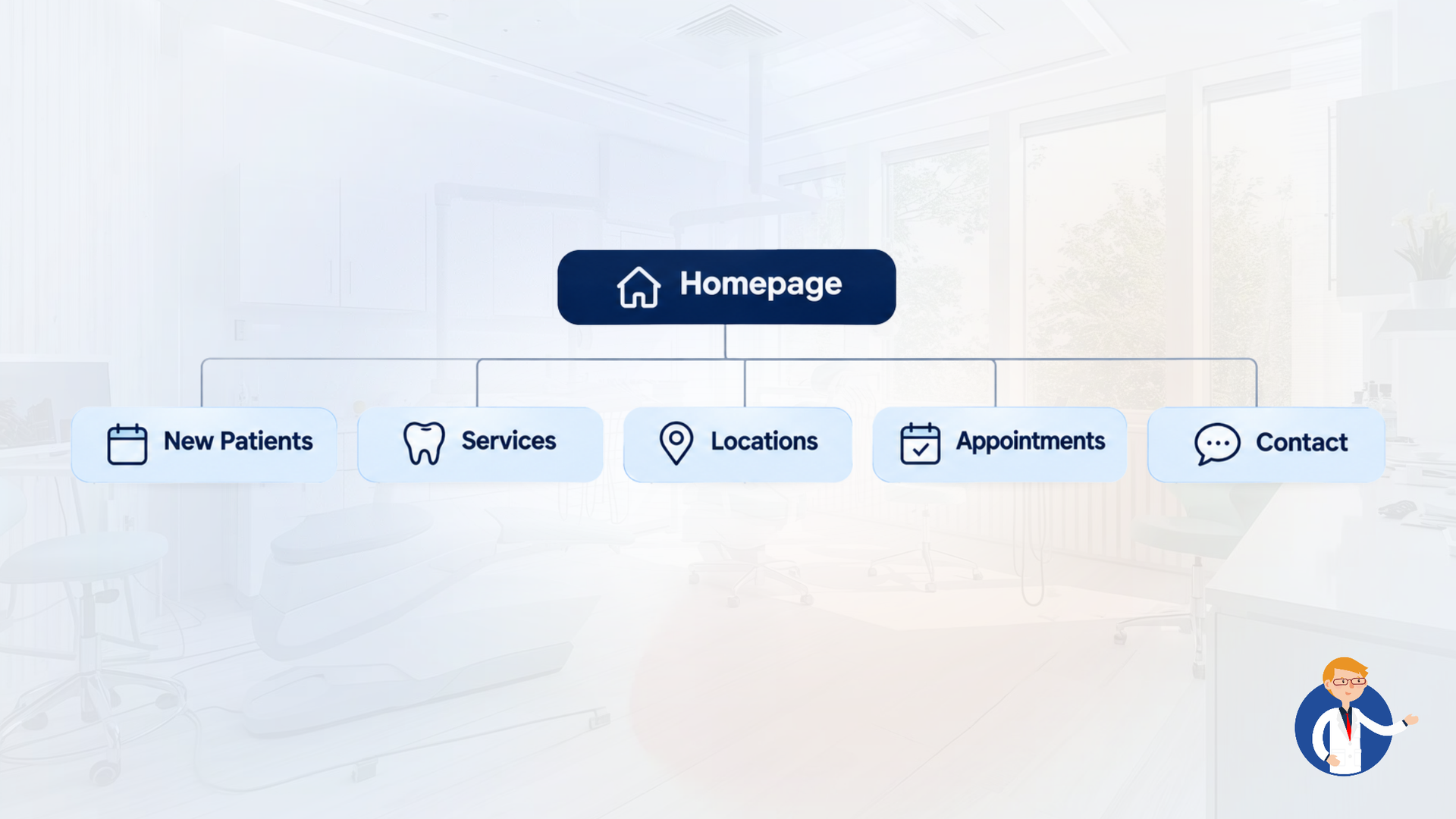
Your homepage can introduce your practice and help visitors decide where to go next. A new patient, an existing patient, and someone exploring a consultation may need different information. Give each a clear starting point. Useful choices could include:
- Plan your first visit.
- Explore our services.
- Find a practice location.
- Request an appointment.
- Contact our team.
These labels help people identify a relevant path without understanding every item in your menu. AI could eventually make navigation more conversational. A visitor might describe what they need and receive links to suitable pages. Even then, clear buttons and menus should remain available. For practices with multiple offices, location selection deserves particular attention. Once someone chooses an office, show its correct hours, team, contact details, and services.
Turn Appointment Interest into a Clear Next Step
Patients need to understand whether they are booking an appointment or asking your team to arrange one.
A button labelled “Book Now” can create confusion if it leads to a request form with no available times. Use wording that reflects what the system actually does. If visitors submit an appointment request, explain how it works:
“Send us your preferred days and contact details. Our team will contact you to arrange your visit.”
Include a response timeframe only if your team can reliably meet it. AI-assisted scheduling could help collect preferences or direct people to an appropriate appointment category. Confirmed availability depends on the system’s connection with your scheduling process.
After submission, show a clear confirmation message. Patients should know whether time is reserved, whether your team needs to respond, and how to reach the office with questions.
Give Website Assistants a Specific Job
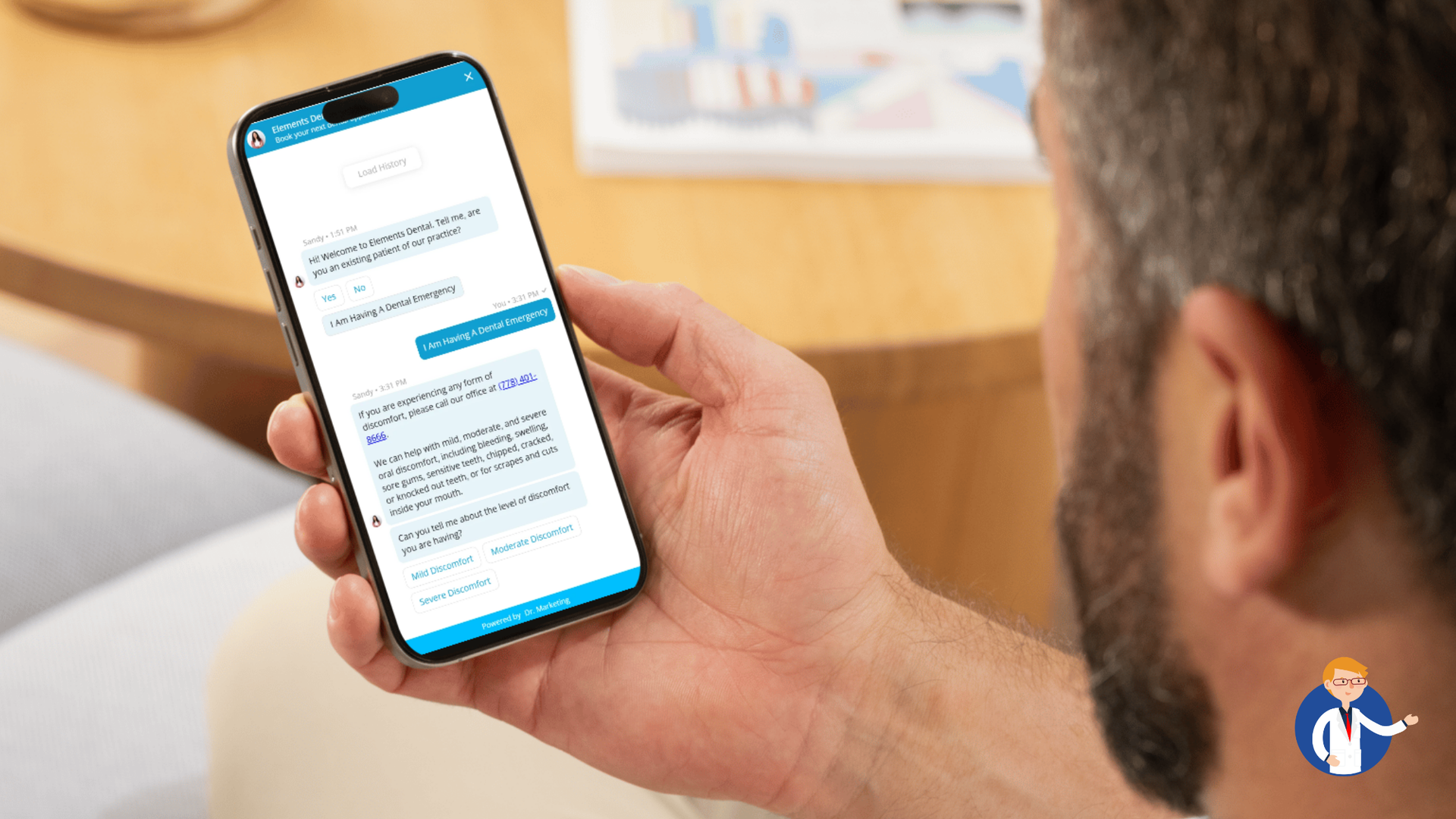
A chatbot works best when its purpose is clear.
On a dental website, an assistant could help visitors locate directions, understand appointment instructions, or find approved information about services. These are useful administrative tasks. Before adding one, identify the problem you want it to solve. If visitors struggle to find your opening hours, making the hours more visible may be the first improvement.
Where an assistant adds value, define which information it can use and what it should do when it cannot answer.
It should avoid guessing fees, availability, insurance coverage, or treatment suitability. Those questions may require information from your team or assessment. Tell visitors when they are interacting with automation. Provide an easy way to call, submit an enquiry, or reach a staff member. A conversation should help them complete their tasks.
Offer Relevant Paths Without Making Assumptions
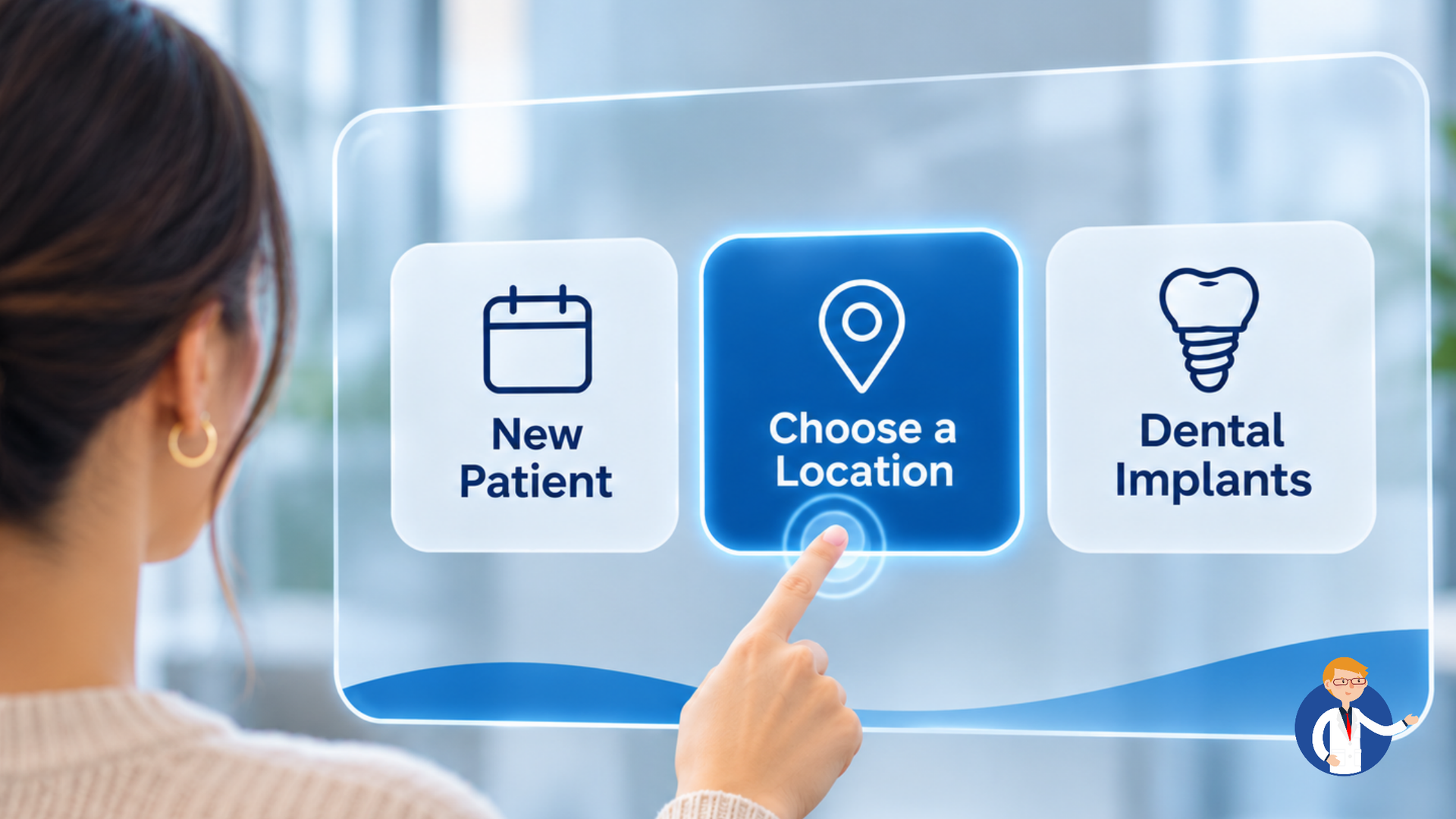
A website can guide visitors based on the choices they make.
Someone who selects “New Patient” can see first-visit information. Someone who chooses a location could see that office’s appointment options. A visitor interested in implants could reach consultation details.
This approach helps organize the experience around the visitor’s goal. AI could support more flexible interactions, allowing someone to explain what they are looking for in their own words. The website could then suggest relevant information.
Keep those suggestions within appropriate boundaries. Directing a visitor to a service page does not establish that treatment is suitable for them. Avoid requiring personal health details simply to help someone navigate. Give visitors useful information first, then direct them to the appropriate process for discussing their individual needs.
Keep Human Help Within Easy Reach
Some patients will welcome automated assistance. Others will prefer speaking with your team.
Your website should accommodate both of us.
A visitor may need to explain a complicated scheduling situation or ask a question that does not fit the available choices. Make your phone number and contact options easy to locate. If a chatbot cannot resolve an enquiry, it should explain the next step rather than repeatedly offering the same answer.
The transition matters too. If the tool sends an enquiry to your team, tell the patient what was submitted and how they can expect a response.
Automation can help with routine tasks, while a well-designed handoff supports questions that need individual attention. Plan both parts of the experience before launching a new feature.
Make Convenience Work on Every Screen
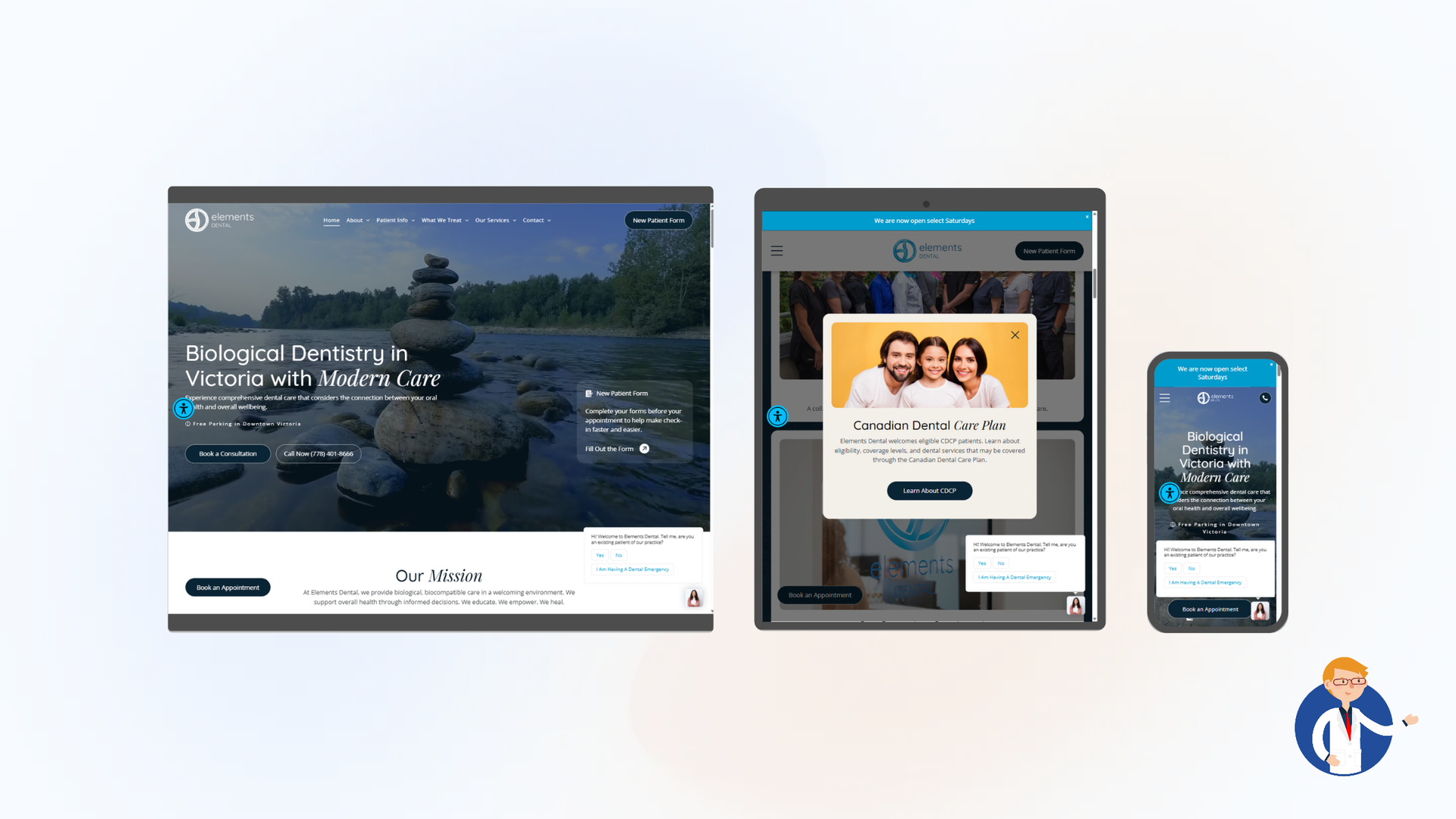
A feature that works on a desktop can become frustrating on a phone.
Chat windows may cover important buttons. Pop-ups can interrupt reading. Forms may require too much scrolling or make errors difficult to correct. Test the website using the tasks patients actually need to complete. Find a location, read appointment instructions, and submit a request.
Accessibility should be part of this review. The World Wide Web Consortium highlights clear labels, instructions, and feedback as important elements of accessible forms. Check readable text, visible buttons, keyboard access, and understandable error messages. Visitors should be able to use essential functions even if an AI feature is unavailable.
A convenient website works for people with different devices, abilities, and preferences.
Explain Payment Questions Before They Become Barriers
Patients may check payment information before deciding to contact your practice.
Give them a clear explanation of your office’s arrangements and identify what requires individual confirmation.
Canadian practices should accurately describe Canadian Dental Care Plan participation where applicable. US practices should distinguish insurance acceptance from network participation.
If financing is available, explain where patients can find details about applications and terms. Avoid presenting approval or coverage as automatic.
Any website assistant should use the same approved information. It should direct questions about individual costs or benefits to the appropriate team member.
Clear payment content can help visitors prepare for a conversation. It should give them enough direction to ask informed questions without creating expectations your practice cannot confirm.
Build a Website AI Can Read and Patients Can Use
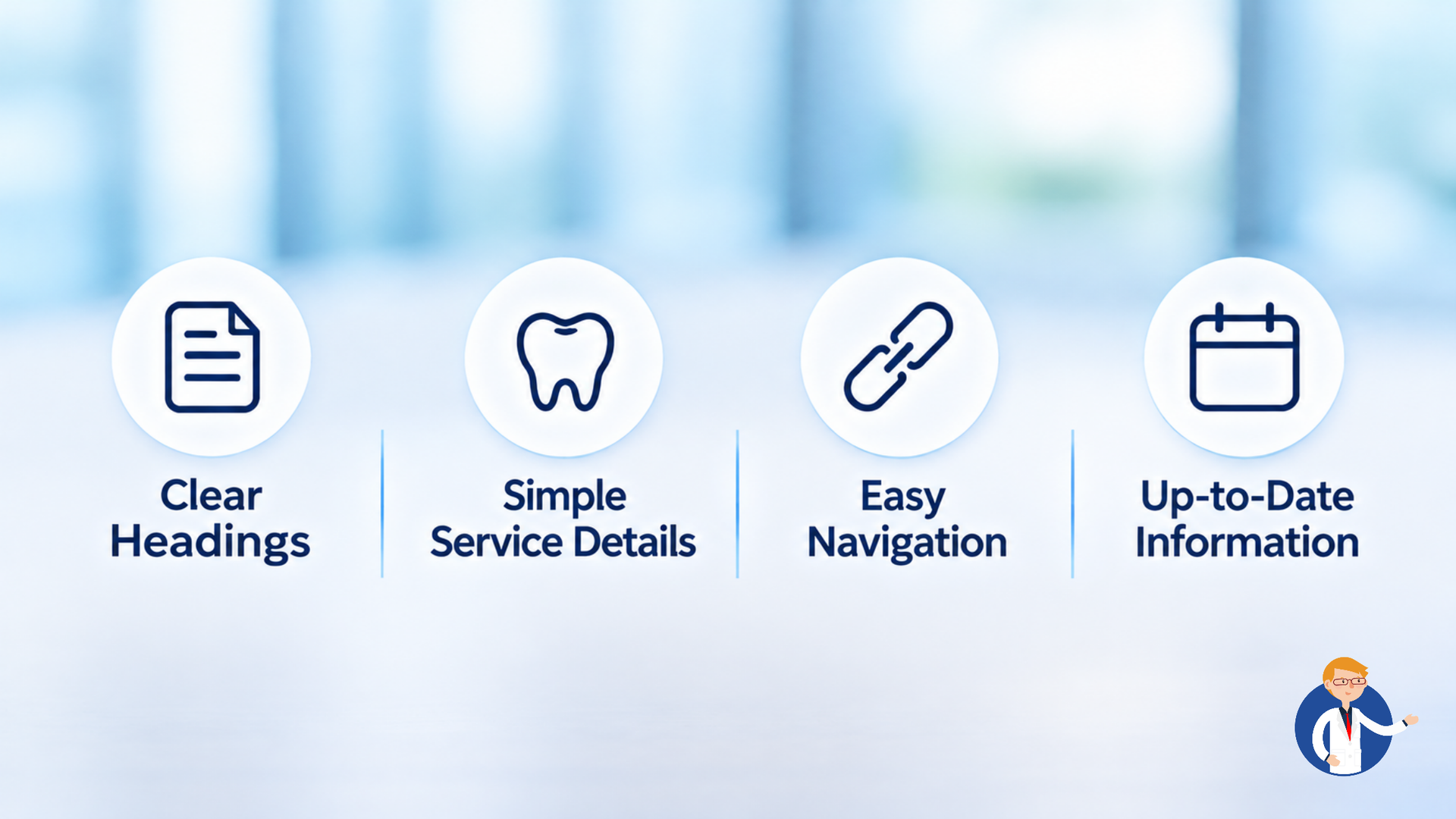
Important information should exist on accessible website pages, even when conversational tools offer another way to find it.
Use descriptive headings, straightforward service explanations, and clear links between related pages. Keep contact details, hours, and appointment instructions current.
These fundamentals support dental SEO as well. Google states that established SEO practices remain relevant to its AI search features.
Clear organization can support discovery and understanding, but it does not guarantee an AI citation or recommendation.
Treat your published pages as a reliable foundation. When a practice detail changes, update the page and any connected assistant information. Patients should receive consistent answers wherever they look.
Let Patient Needs Guide Your Next Upgrade

The strongest website improvement is one that solves a real problem.
Ask your reception team where confusion begins. Review incomplete forms, recurring questions, and feedback from new patients. Then choose improvements that address those issues. A clearer appointment page may be more useful than a chatbot. A well-managed assistant may help when visitors need guidance across several pages.
Measure whether changes help people complete tasks and produce relevant enquiries. Keep reviewing automated answers and the information behind them. AI could influence expectations for dental websites, but patient needs should guide how practices respond.
At Dr. Marketing, we help dental practices across Canada and the USA connect website design, content, dental SEO, and digital marketing. Contact Dr. Marketing to explore a dental website that makes finding information and contacting your practice easier.
Recent Posts