
Benefits of Having Online Security for Your Business’ Website

Dr Marketing Inc • February 25, 2019
People fixing website security with shields and padlocks on a large monitor

Imagine this, one day, you go to check your appointmentrequest file, and it’s empty. As you head over to your website, you find it blank with a blank screen. As yougo to your personal email to contact your budget website provider, you findhundreds, and I mean hundreds of spam emails. As you start to panic a littlemore, you receive an email from a client, that their identity has been stolen.Then, another email, and another, and another… and all signs are pointing backto your website. It’s been hacked.
Scary thought isn’t it? In a matter of seconds hackers,viruses, and worms can break into your website, change or erase the content,steal personal information, steal client information, or worse… shut it downcompletely. Having a secure website should be non-negotiable for yourbusiness. There are a few different features that should be installed both onthe back end of your website and also on your computers. Let’s explore thedifferent security measures you should be utilizing as well as the benefits ofhaving online security for your business’ website.


Different Types of Security to Have on YourBusiness’ Website

SSL Certificate

Web browser window with a secure lock icon on a white page and teal background

An SSL Certificate is placed on the backend of yourbusiness’ website. SSL stands for Secure Sockets Layer - It is a digital lock (or small data files) that is placed onyour business’ or organizations online information. This lock binds together your domain name ( www.yourbusiness.com) and yourbusiness’ identity and location (your business, 123 yourbusiness street,Canada). If this safety measure is activated, you will see HTTPS beforeyour website address (pictured above) – as opposed to the typical HTTP.


*the name of this technology has recently been updated – an SSLCertificate is now referred to as Transport Layer Security (TLS), for yourreference they are the same.
Many browsers notify users when a website does not have thissecurity feature activated, it tells them that the website they are visiting isputting their computer and identity at risk, and they should stay away. Thiscertificate/safety measure is probably the most popular and important one availablefor your business’ website. It’s become fairly known by everyone that a websitewith HTTPS is safe to use, and more importantly, to do business with.

Monitoring Tools

Office computer screen showing “Virus Detected” warning with a yellow alert icon; person on phone nearby

A website monitoring tool is an extra security measure that isn’t mandatory, but is extremely beneficial. There are several versions of it, with different variations, but the most important feature tests your website regularly. It can detect any holes or issues in the coding that allow viruses or unknown users to enter the backend of your website. It also prevents phishing and hacking, and alerts you or the website manager of the threats and risks.
The monitoring tool will:

  • Protect from XSS attacks – this type of attack is injected into your website. It inserts malicious script and data into your website. It is virtually impossible for a new or regular user to see the difference and detect the threat. The threat imposed can vary from a simple computer virus, to a hard drive theft and wipe.
  • Provide Analysis Reports – website coding is a sensitive matter. One incorrect number, letter, or symbol can shut down pages or parts of your website. Monitoring tools share the errors that your visitors see (like 404 error code), so that you or your website management team can resolve and prevent future issues.
  • Insights – shares information on new security features that are available. It also ensures that the features already installed are properly installed and run efficiently.

IPS/IDS (Intrusion Prevention System/Intrusion Detection System)

Cybersecurity illustration with a blue shield, padlock, key, laptop, and email icons on a teal background

Both of these systems protect your website on the back end. It increases the security level of your network by acting as a stronger firewall. The first part of this system, IDS, acts differently than a firewall. Instead of blocking the attack, it notifies system administrators to resolve the issue. This helps website builders create stronger, better codes for your website that are impenetrable to viruses and bugs that can be transferred to computers. The second part, IPS, controls IT networks that are connected to the servers for your business. It protects your system from attacks and abuse by rerouting and creating strategies against them. For example, directing the virus to a firewall which destroys the threat in its path.


Benefits of Having Online Security for Your Business’Website

Identities are Safe

Computer monitor filled with red and white binary code and a red bug icon, suggesting a cybersecurity threat

Online Identity Theft is serious – records show that over 9million Americans report having their identity stolen each year. Identities canbe stolen through credit card purchases, unsecured websites, phishing, andhacking. There are so many ways people are put at risk, just by going online –you don’t want your website to be one of those risks. By having securityfeatures on your website, you're ensuring that your potential client’s identitiesare safe. When someone enters their information through an online form orappointment request, that information goes to you, and you only. There are alsono viruses or potential threats placed on the back-end of your website that transferonto a visitor’s computer.

In addition, your personal information stays safe. When youregister for a website, or purchase hosting, there is some basic personalinformation that the system needs – full name, email, address, etc. Thisinformation is connected to your website (for safety reasons, so that you arethe owner, or that your website can be traced back to you if any issues arise)and it can be visible to anyone, unless you have the proper security measuresin place. With your information visible, you can be open to spam emails, phonecalls, skimming, shoulder surfing or fraudulent reports that can lead to identitytheft. A website that is protected by SSL certificates, IPS, IDS, and monitoringtools, is able to protect the personal information of not just the business, but also their clients.

Improved Search Engine Ranking

Search page in a browser window with a colorful “SEARCH” heading and a search bar.

Websites that are backed by security features like SSL/TLScertificates have a higher chance at being ranked first on Search Engines likeGoogle, Yahoo, and Bing. Search Engine software is designed to provide the bestresults for the searcher. They are looking for websites that have the mostaccurate and up to date information. In that, there are certain factors thathelp them yield this result – and a website that is backed by security featuresis one of them. Search Engines will boost a website with HTTPS over HTTP becauseit seems like the more accurate option. A website that is backed by security isless likely to include inaccurate or out of date information.


The Biggest Benefit of Website Security

Four cybersecurity service icons: IPS, SSL certificates, IDS, and user/end tools on a white background

The biggest benefit of having online security is just that,your website is secure from the various hackers, viruses, and worms online,your website needs to face every day. One of themost important security features your website needs to have, protectsidentities. As the business owner, your information (name, address,  email,possibly credit card information, etc.) is attached on the back-end with yourwebsite host. Withoutsecurity features like an SSL Certificate, this information is readilyavailable. It can be used to send you spam, to steal your website or content,or even worse… your identity. The SSL certificate also helps to protect yourclients and anyone who submits their information on your website’s forms. As aprofessional business, you want to assure clients that any personal informationthey share with you, online, is safe.

All websites created by Dr. Marketing are secured by an SSL Certificate, Monitoring Tools managed by our professional team, and Intrusion Prevention/Detection Systems.


We are your online marketing specialists. Dr. Marketing offers custom websites, domain names & transfers, directory listing management, custom & secure webmail, SEO, and more. We specialize in working with dental, legal, and finance firms. For a free 1-hour consultation, please schedule an appointment by clicking the call us button below. We look forward to taking your business to a new level of secure. 

Share

Recent Posts

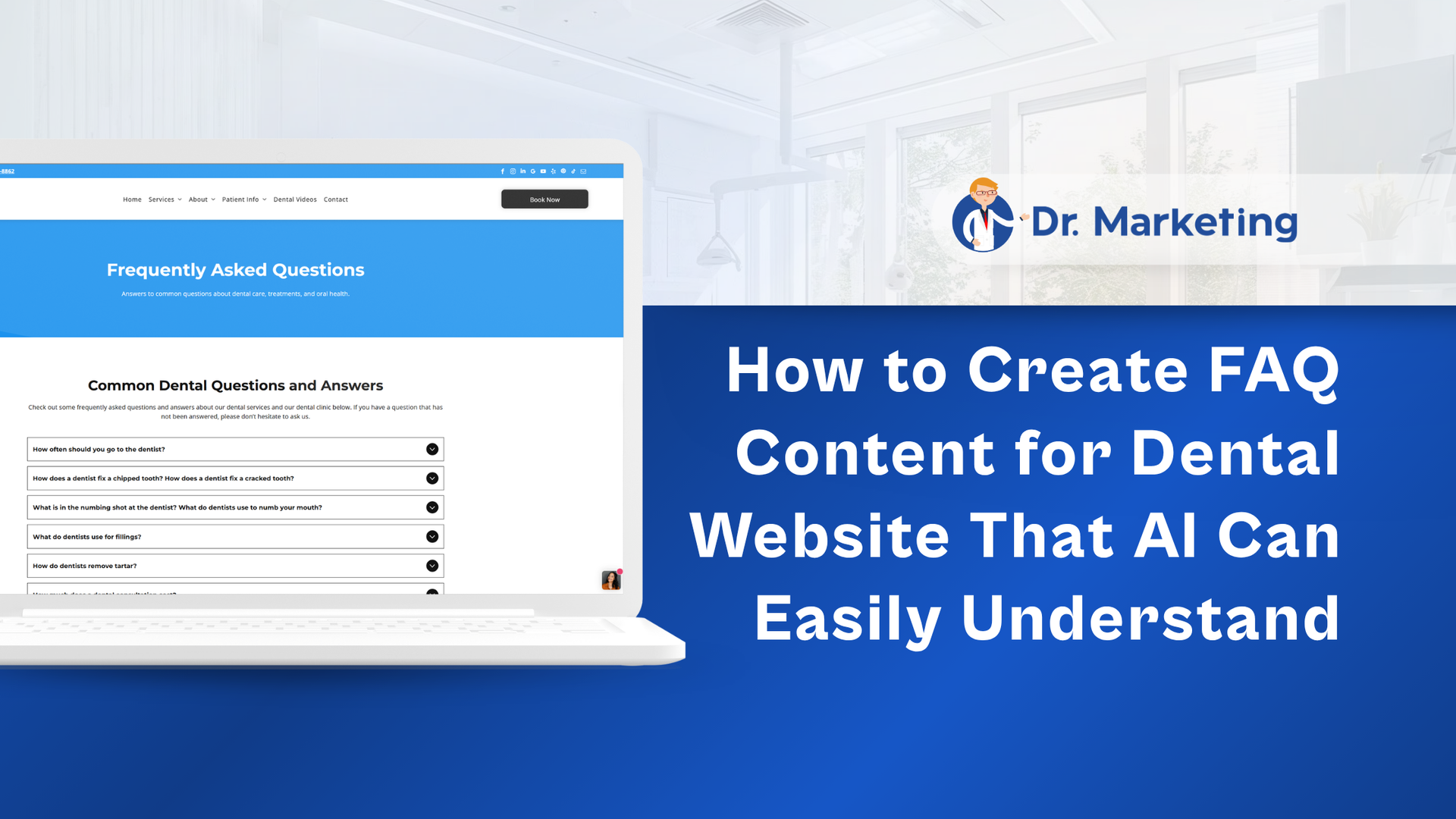
Dr Marketing banner: “How to Create FAQ Content for Dental Website That AI Can Easily Understand” with laptop screenshot
By Dr Marketing Inc • October 23, 2026
Learn how dental FAQs can improve SEO, AEO, and GEO visibility across Google, ChatGPT, and other AI search platforms. Dr. Marketing explains how patient-focused questions, clear answers, local SEO, structured content, and internal linking can strengthen your dental website and attract potential patients.
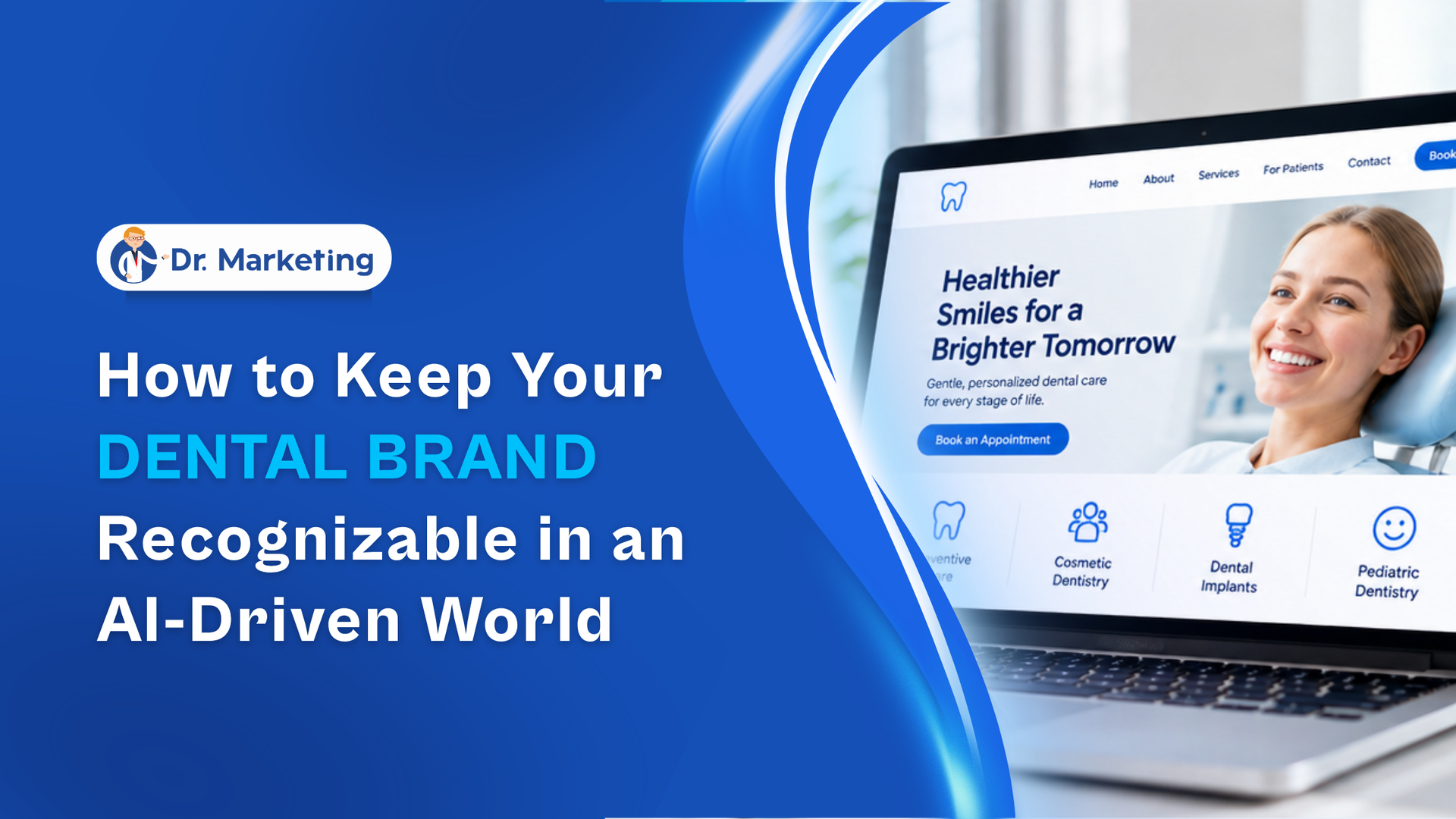
By Dr Marketing Inc • October 15, 2026
Using AI for dental marketing? Learn how to maintain your practice's unique identity while creating content with AI tools. Dr. Marketing explores brand guidelines, consistent communication, authentic team experiences, and visual branding strategies that help patients recognize and remember your practice.
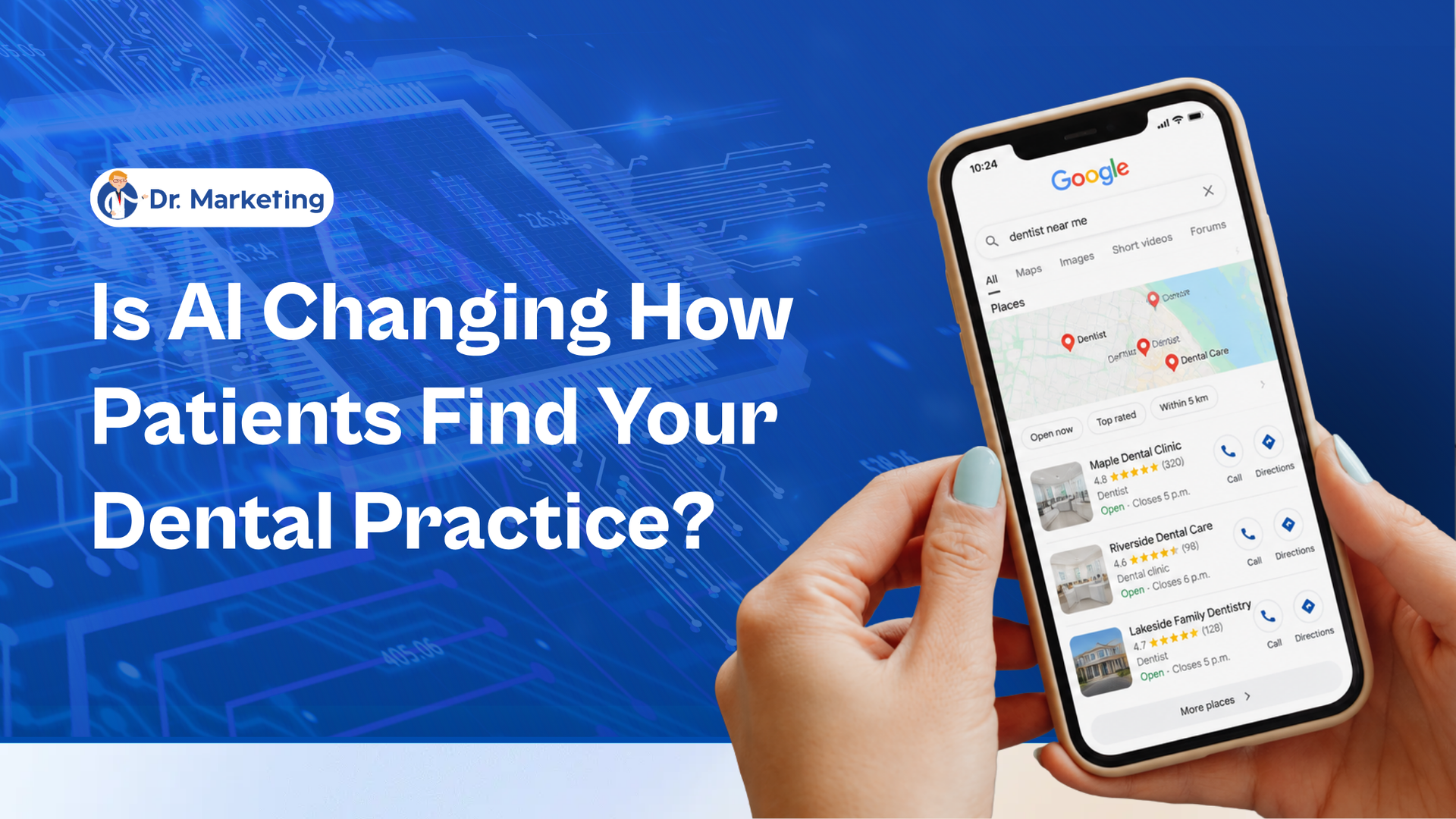
Hand holding a smartphone beside text: “Is AI Changing How Patients Find Your Dental Practice?”
By Dr Marketing Inc • October 8, 2026
AI is changing how patients discover dental practices. Learn how Google AI Mode, dental SEO, and patient-focused website content influence online searches. Dr. Marketing explains how dental practices in Canada and the USA can improve visibility, answer patient questions, and attract new patient inquiries.
Show More