


7 Easy Tips to Edit Your Websites Content - What You CAN and CAN’T Say as a Business Owner

Dr Marketing Inc • October 17, 2018
Person standing at a laptop with a desk lamp, reviewing a document on a large screen.

The world of writing is very different. In our modern world, there are things that you should say to attract the perfect customer – and also things that you shouldn’t say unless you want to make it on Channel 6 and go viral for bad business practices. Having well-written content on your website is one of the most important steps to making an impression in your client’s mind. The last thing a client wants to see is a professional misspelling the most commonly used words/services/products in their profession. Well written content can bring your website and small business ahead of your competitors and turn potential customers into clients. If you are new to the online world, or are looking to edit the content of your website, here are 7 easy tips on what you can and can’t say as a business owner.

Tip #1 – Sweet & Simple Cater to the viewer. Most of the viewers on your website arelooking for a quick answer to their question. Use clear and concise writing thatshows more space in between thoughts. If possible, break up sentences and usebullet points or shorter paragraphs with clear headings. Use your industry’skeywords as the main headers for your pages and headers. For example, ‘procedures’, ‘areas of practice', 'CRA help’, etc. The homepage is the gate into your business. It should beclear of tacky pictures and unnecessary information. It should ultimately be acall to action page that has prompts for users to find further information onmore detailed pages about your pricing, services, about us, etc. It should beeasy to navigate, quick to load, supported with images and provide benefit toits viewers. Learn more about how to make your homepage stand out HERE.

Tip #2 – Write to Solve a Problem 90% of users searching on Google, Yahoo, and Bing are lookingfor an answer to their question. They’re looking for information like‘accountants in Toronto’ or ‘accountants for small business owners’ or‘accountants to help with XYZ tax forms’. If you are able to answer these questions with yourservices, be sure to include that detailed information on their dedicatedpages. Having a Frequently Asked Question page is the most popular way to dothis. Put yourself in the client's shoes and think about the problems orquestions they might have that will bring them into your website or office.

Tip #3 – Avoid Errors – Technical + Spelling There a few types of errors that your website canexperience. The most common is the 404 Error code that users will see.Typically, this results from a webpage being improperly linked or not linked atall. If you create a ‘Click Here’ or ‘Read More’ button, it should have theappropriate linkage. Spelling & grammatical errors are inevitable – we’re all hooman!However, they can prove to be the worst type of mistake that a business canmake. A spelling error or typo can portray inattention to deal with or thatyour business doesn’t care enough to edit its content. It’s important to get a second set of eyes to read thecontent that you are going to put out onto your website. A quick trick to finderrors is to read it aloud, and slowly, 2-3 times (fixing errors as you go along).

Tip #4 – Follow SEO While setting up your website to be user-friendly and easyto read, it’s also important to think about how those users will be able tofind you. With SEO the ultimate goal is to be ranked the #1 search for yourclients. It’s imperative that you include keywords and use them organically inyour writing. These keywords are what will help you show up first in searchengines like Google, Yahoo, Bing and more.
Learn more about the best SEO practices for small businesses
HERE.

Tip #5 – Don’t Copy & Paste This is one of the worst things that you can do! Not onlyare you plagiarizing someone else’s work and can be sued for it, but you are being lazy. If you areunsure of what you include or say, it’s a better idea to leave it blank or to hire a professional. Youcan find inspiration on your competitors’ websites, but the content that youput out should be original. Original content that is catered to your audienceportrays an unparalleled level of professionalism and expertise. What sets you apart from your competitors?

Tip #6 – Use the Inverted Pyramid Method This is one of the most popular styles of writing forcontent planners. With this style, you are giving the reader the summarizedconclusions at the beginning instead of the end. They are able to find theanswer or information quickly, and they are able to continue reading. Thisstyle of writing is the most popular because it puts the most important factsfront and center. Removing the fluff helps speed up the user experience. Havingto spend less time looking for what they need and then actually getting it isone of the defining reasons that a website visitor will opt into being a client. They areable to see that you value your time (and the client's), are precise, and have attention to detail.

Tip #7 – Format Your Writing Each page of your website needs to be written and formatted with consistency. This means that you should use similar words and type of words throughout each page – your home page shouldn’t be informal if you are in a strictly professional business (like a law firm). The tone of voice in your website's content should reflect the type of industry that you are in and the type of client you would like to reach.

Bonus Tip #8 – Get a Professional Opinion 
Here at Dr. Marketing, we’re pros at writing, drafting, and editing website content. If your website isn’t performing or bringing you new clients, it’s time we have a chat. Schedule your 1-hour consultation with one of our professional designers to discuss the ways we can help edit the content of your website, because your content is the key to your next client. Click the call button below


How to Get Started on Writing Your Small Business Website Content

Person writing on a form beside a laptop in a bright office
  • Links to personal social channels
  • Personal cell phone number/staff’s personal numbers (someexceptions apply)
  • Randomized images
  • Long never-ending paragraphs or sentences without a clearconcept
  • ‘You should choose us because we’re the best’ type posts
  • False information
  • Copied content from a similar competitors website
  • Information that isn’t relevant to your clients or business
  • Hate speech/discrimination

It has been proven that an online user will typically scanthrough websites content before they decide to stay and read the remaining information.The design of your website is one of the most important features. It needs tobe visually appealing and demonstrate that attention is given to the updatesand trends of. Most users who click onto a website that looks datedor like it was created with a template, will generally click away and ontoanother website.


To make your website stand out and grab the attention ofyour user, it’s important to have a website that is customized to your brand.Potential clients should get a stunning first look into your business when theyclick onto your webpage. Learn more about The Benefits of Customizing YourWebsite by clicking
HERE.

Basics that should be included on your small business website

  • A clear, concise description of who you are
  • Your address (if you have an office)
  • Easy to find contact information
  • Services/products offered
  • Simple web address/domain name
  • User-friendly website
  • Positive customer testimonials
  • Links to available social channels + directory listings
  • Call to action (Book and Appointment Form, Call Us NowButton)
  • Fresh & easy to read content
  • Secured platform (SSL certificate)

Things That Shouldn't Be Included On Your Small Business Website

Need help with what you should include in your website or on how to customize it to get more clients?

Stylized desk with laptop, desktop monitor, wall map, clock, lamp, and office accessories

Dr. Marketing is proud to offer completely customized websites. We work with your existing website or start from scratch to create something beautiful. We want your website to stand out from your competitors. Interested in learning more about our services for website design and content creation? Give our expert team a call by clicking the button below.

Share

Recent Posts

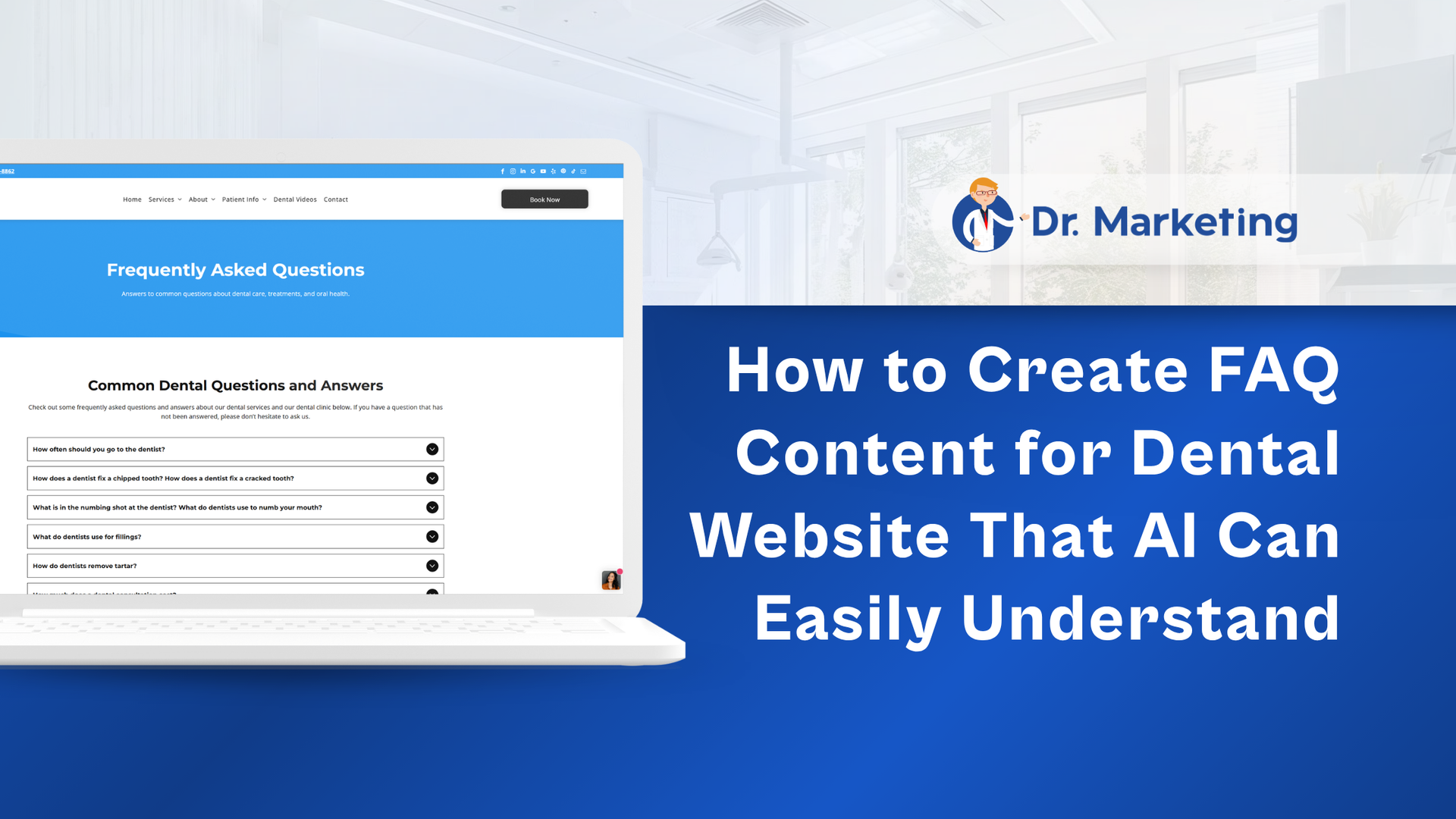
Dr Marketing banner: “How to Create FAQ Content for Dental Website That AI Can Easily Understand” with laptop screenshot
By Dr Marketing Inc • October 23, 2026
Learn how dental FAQs can improve SEO, AEO, and GEO visibility across Google, ChatGPT, and other AI search platforms. Dr. Marketing explains how patient-focused questions, clear answers, local SEO, structured content, and internal linking can strengthen your dental website and attract potential patients.
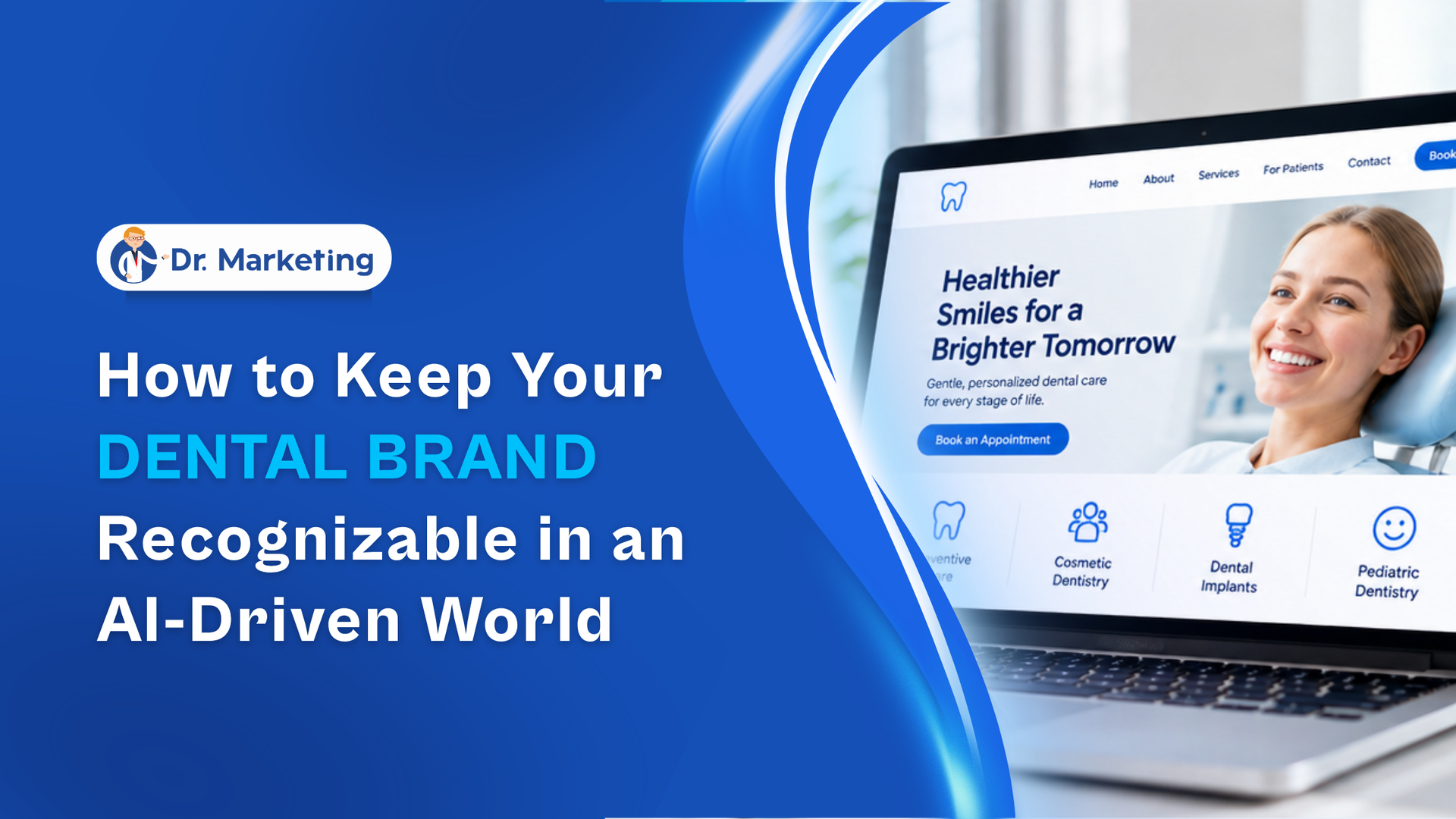
By Dr Marketing Inc • October 15, 2026
Using AI for dental marketing? Learn how to maintain your practice's unique identity while creating content with AI tools. Dr. Marketing explores brand guidelines, consistent communication, authentic team experiences, and visual branding strategies that help patients recognize and remember your practice.
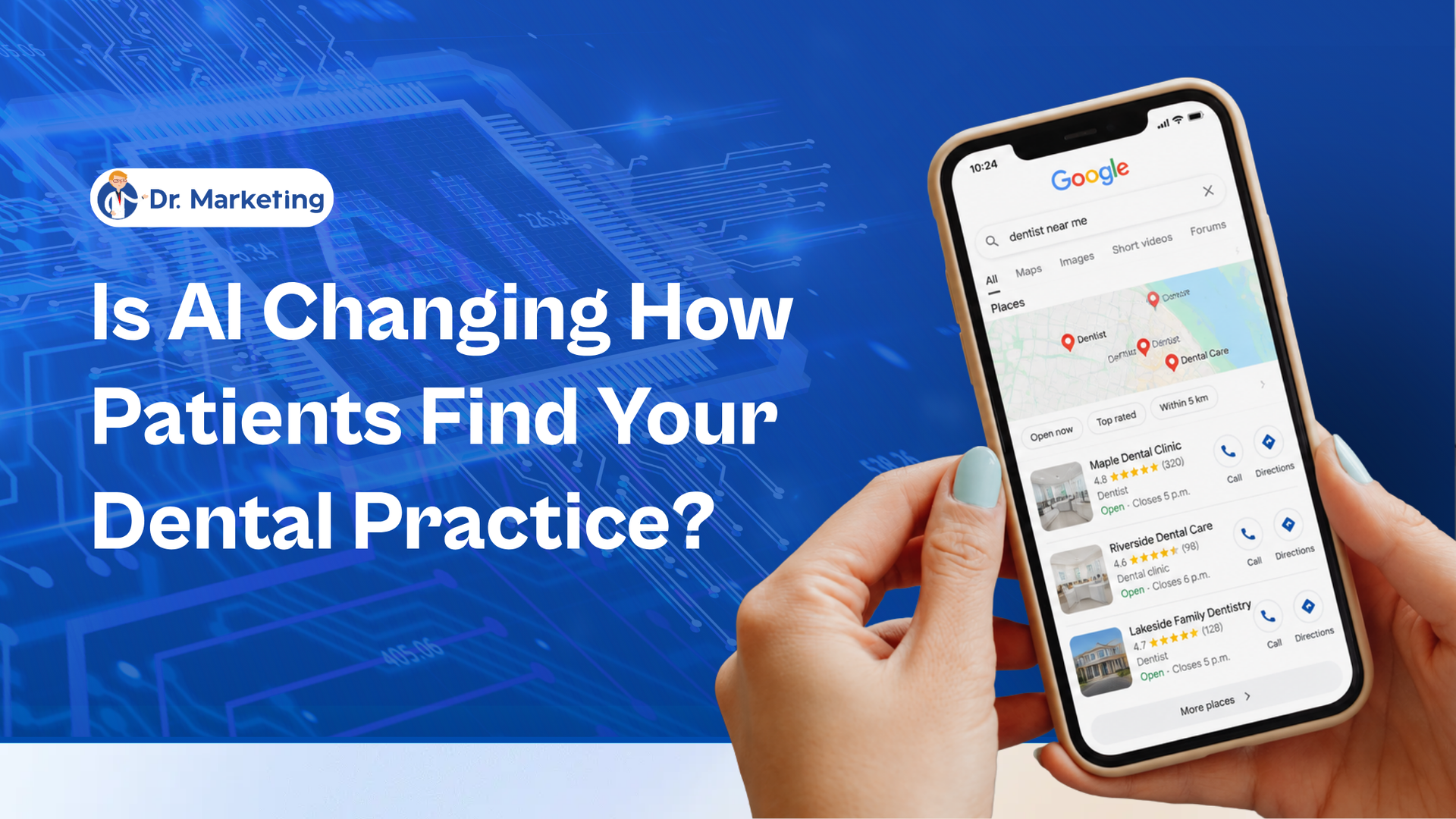
Hand holding a smartphone beside text: “Is AI Changing How Patients Find Your Dental Practice?”
By Dr Marketing Inc • October 8, 2026
AI is changing how patients discover dental practices. Learn how Google AI Mode, dental SEO, and patient-focused website content influence online searches. Dr. Marketing explains how dental practices in Canada and the USA can improve visibility, answer patient questions, and attract new patient inquiries.

Show More